PORTER, PORT1's partner platform
PORTER is PORT1's partner platform. Every PORT1 partner gets PORTER Chat, an assistant for their engineers, salespeople and marketers that's available 24x7, and Traceforce partners also use PORTER to build AI Risk Assessment readouts in their own branding from a client's Traceforce data.
PORTER is designed by PORT1's partners and delivered by PORT1, and it comes free with every partnership.
Partner sign-in (opens in a new tab)
How does PORTER help an MSP?
PORTER gives your whole team help on demand, from deploying a solution to preparing for a client meeting, and turns a client's AI Risk Assessment into a branded readout your team can present.
- Engineers get deployment and troubleshooting help, and new engineers get up to speed.
- Salespeople and marketers prepare for client conversations and campaigns.
- Whoever presents to clients gets a readout script written in plain business language, so your best client-facing person can run the meeting.
What can PORTER Chat do for my team?
PORTER Chat answers your team's questions 24x7, so help is there whenever your engineers, salespeople and marketers need it.
Help for engineers
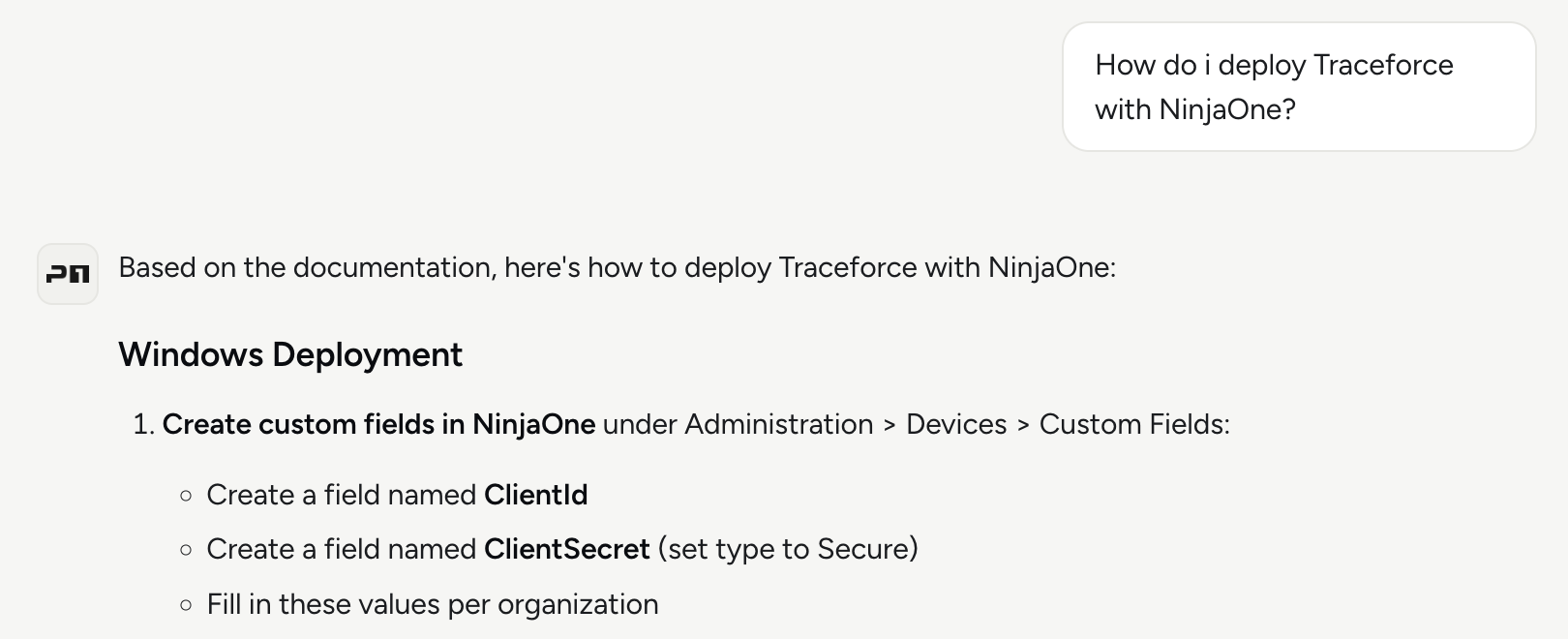
PORTER Chat helps your engineers deploy Traceforce through your own RMM or MDM, keep it updated and running, work in the Traceforce console and its API, and troubleshoot. It also builds a week-by-week learning plan to bring a new engineer up to speed.
Help for salespeople and marketers
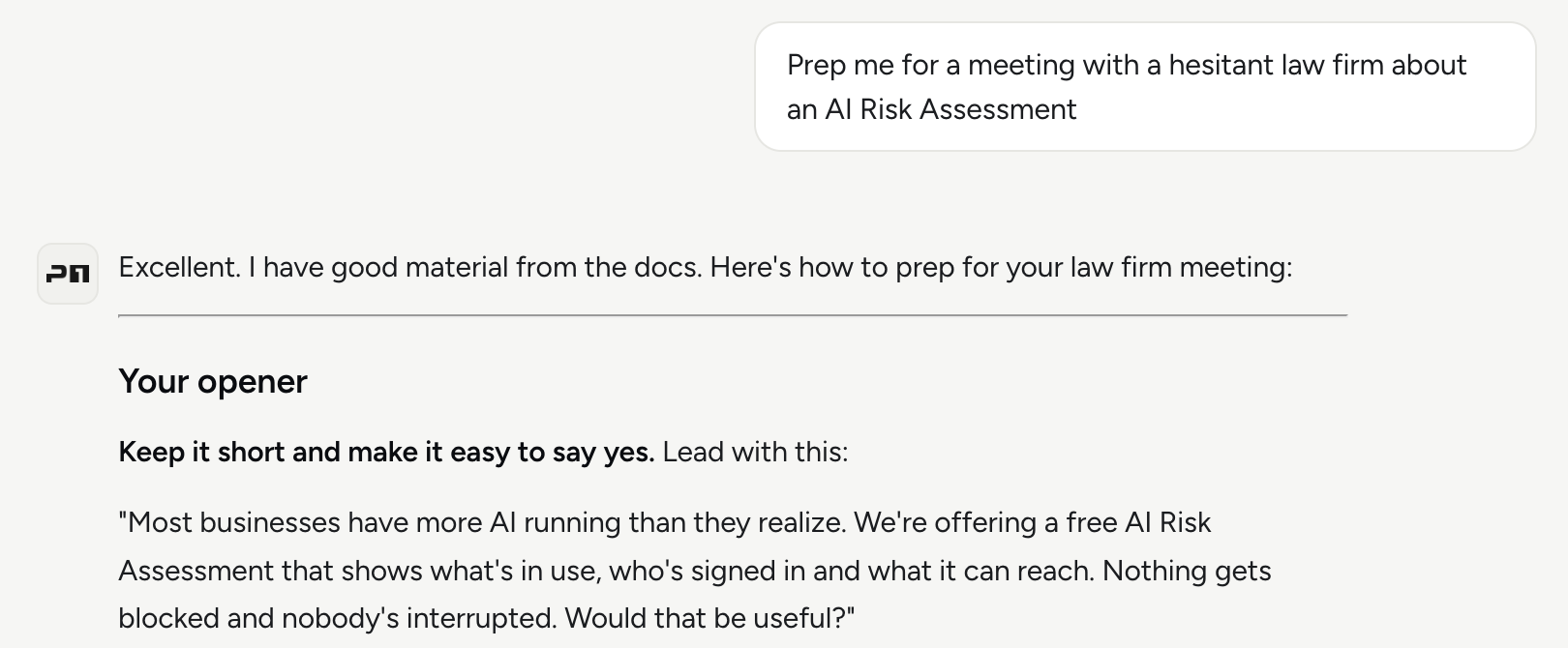
PORTER Chat preps your salespeople for a meeting with a particular kind of client, drafts emails offering the AI Risk Assessment, webinar agendas for non-technical clients and web copy for your own AI security service, and suggests answers to the objections clients raise. It also explains what a finding means, why it's a risk and who usually fixes it, so your team can talk clients through it with confidence.
What does PORTER do for Traceforce partners?
For Traceforce partners, PORTER turns each client's AI Risk Assessment into a branded readout, keeps track of every assessment, answers questions about a client's AI use and spend, and can support your clients' QBRs. Traceforce manages the security posture of the AI agents and connectors your clients use across their devices, and there's more on what PORTER adds for Traceforce partners.
Readouts in your own branding
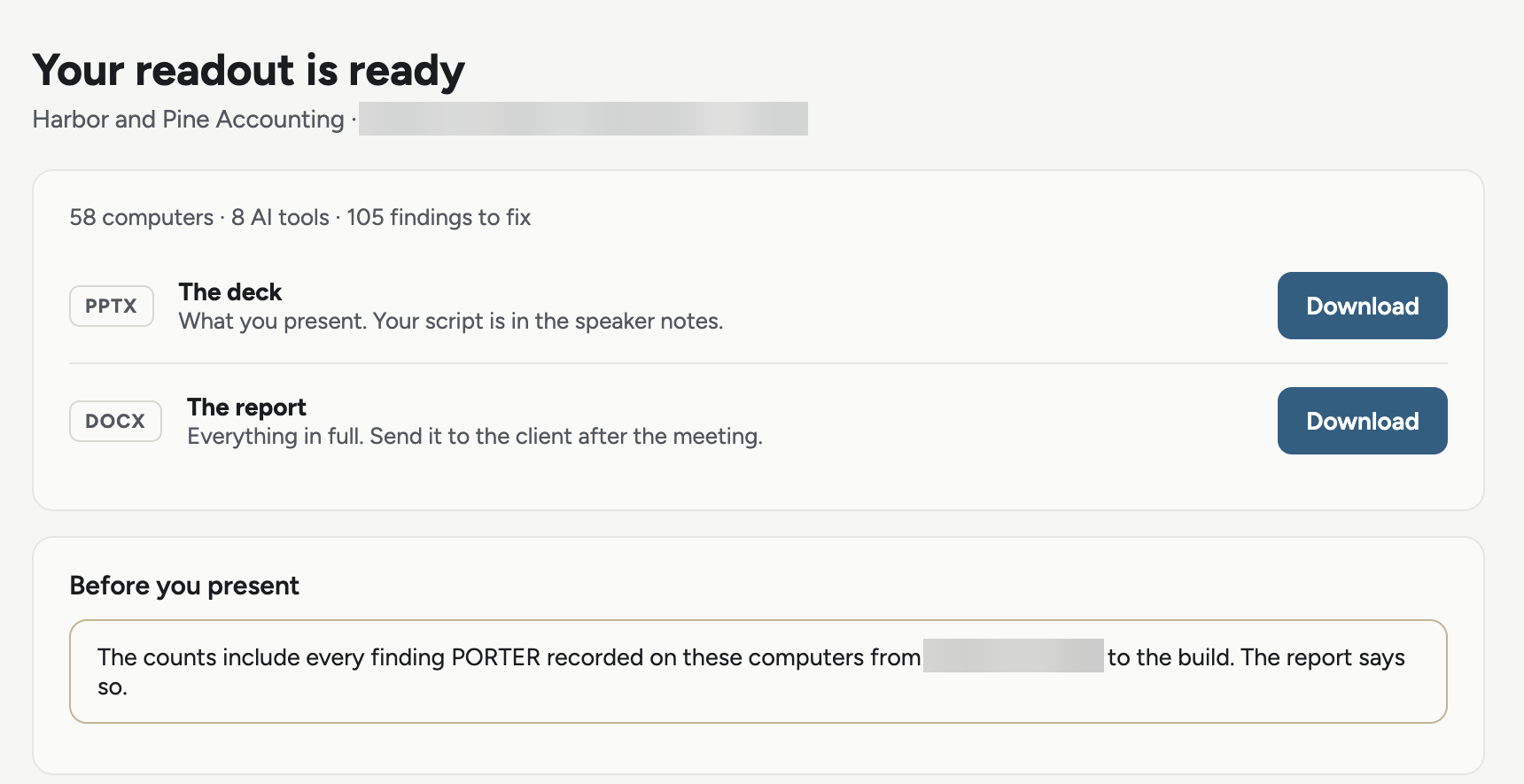
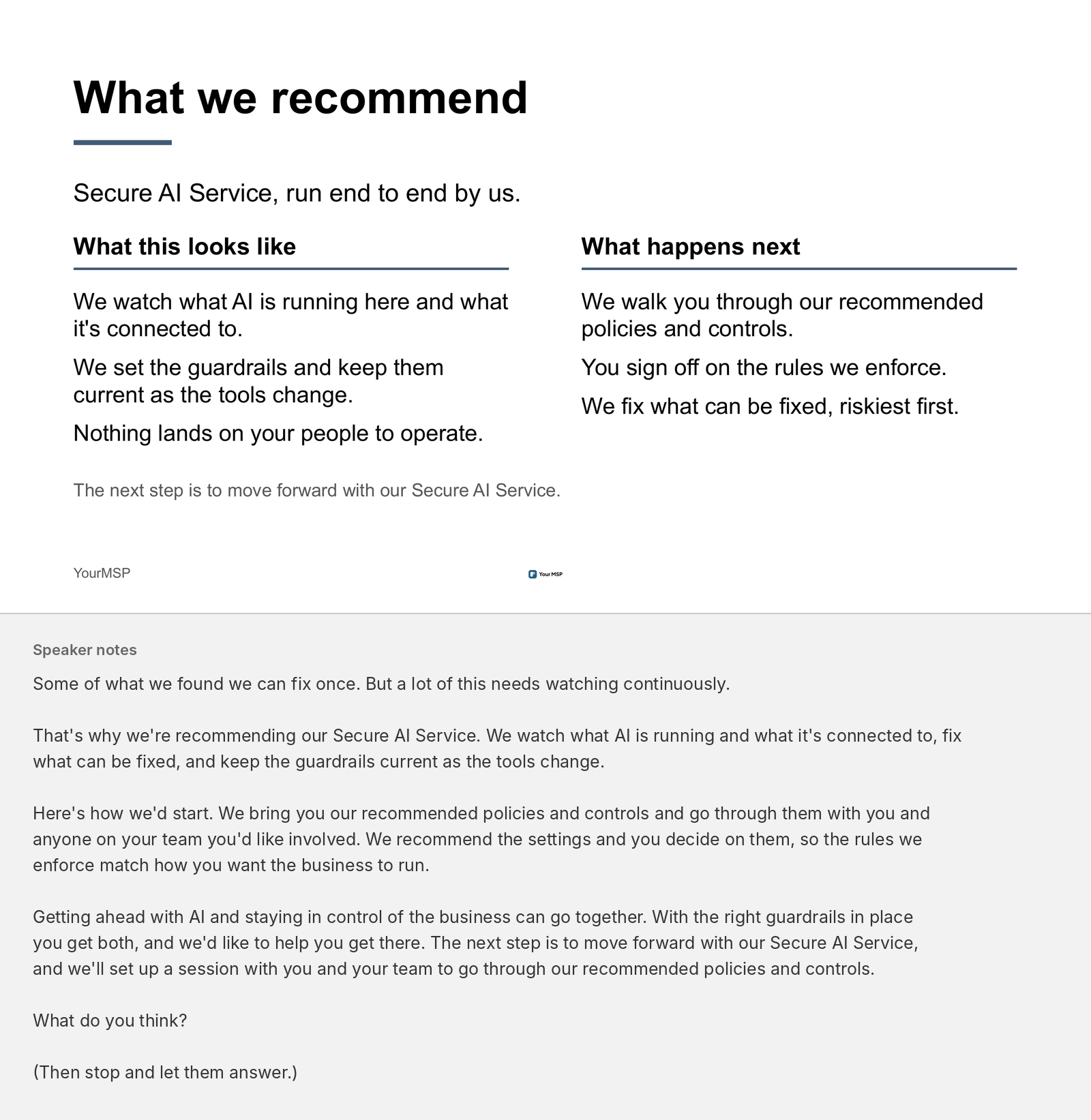
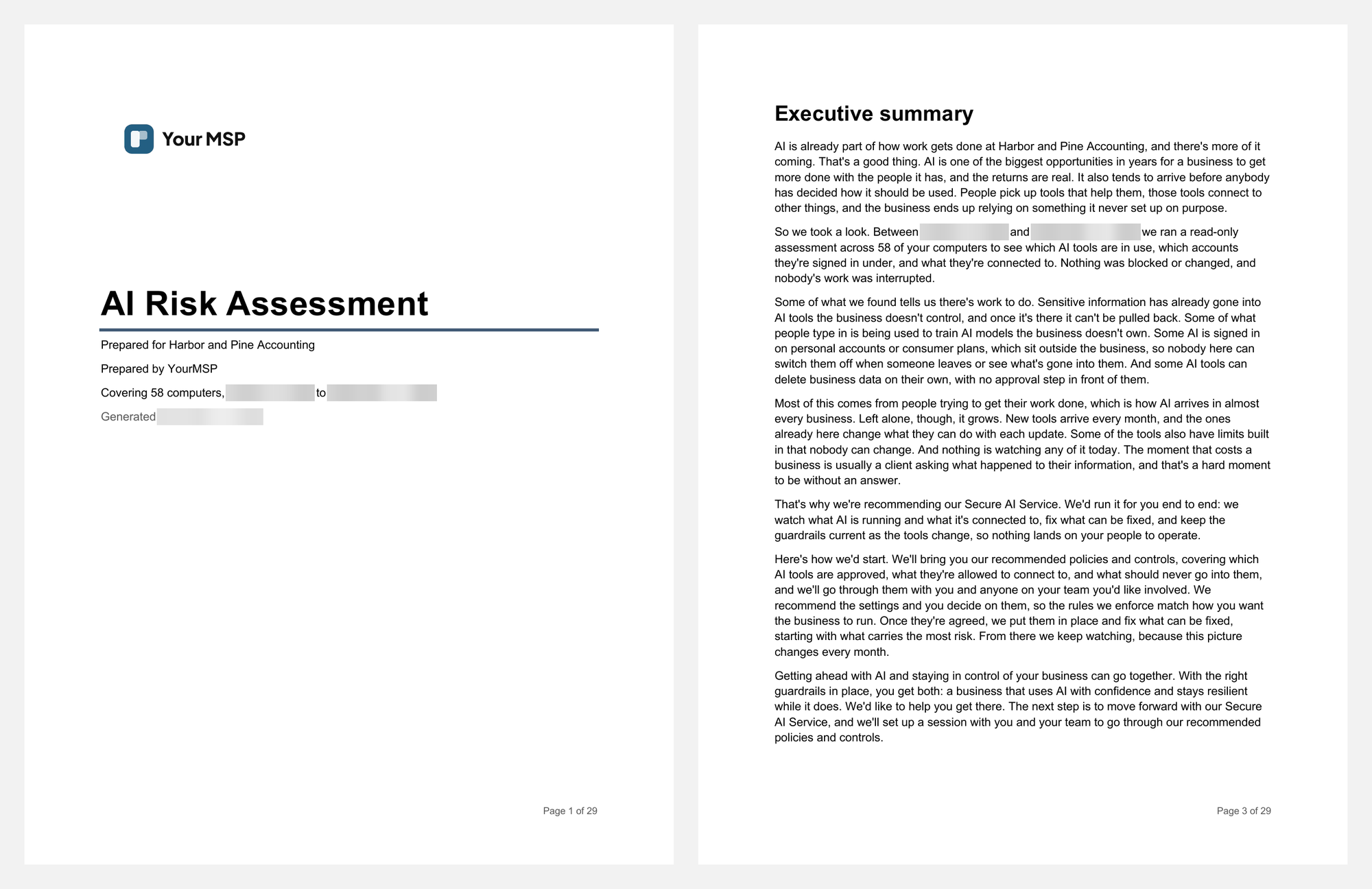
PORTER builds an AI Risk Assessment readout from a client's Traceforce data: a PowerPoint for the client meeting, with the full script in the speaker notes, and a two-part Word report, one part for leadership and one with the technical detail. You set your logo, brand color and the name of your managed service once, and every readout recommends your service by name. A build usually takes under a minute, and PORTER checks both files before you get them. The files are yours to edit however you like.
Every assessment in one place
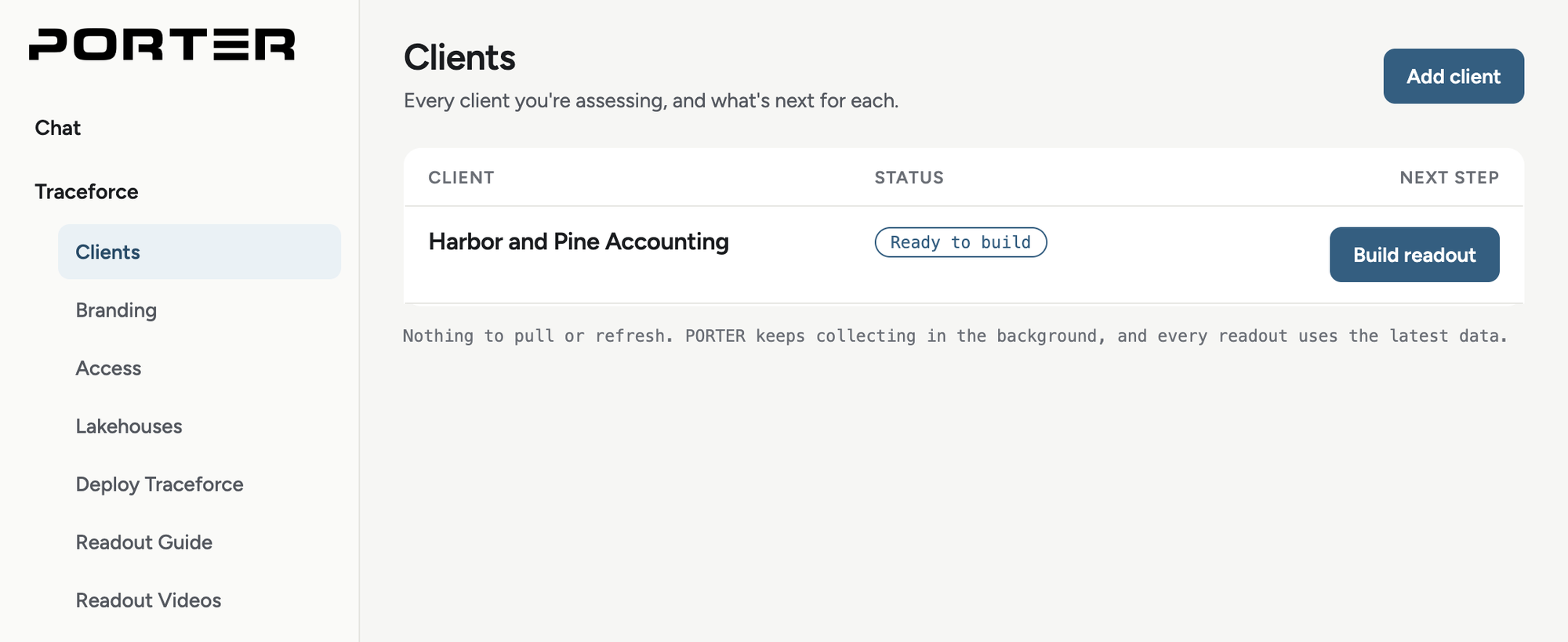
Once you add a client, PORTER collects the client's Traceforce data in the background, so there's nothing to pull or refresh. Each client's page shows how the assessment is going, from computers checking in to browser extension coverage and the AI tools found, and the client list shows when a readout is ready to build. You can build a new readout any time.
Answers and reports on a client's AI use and spend
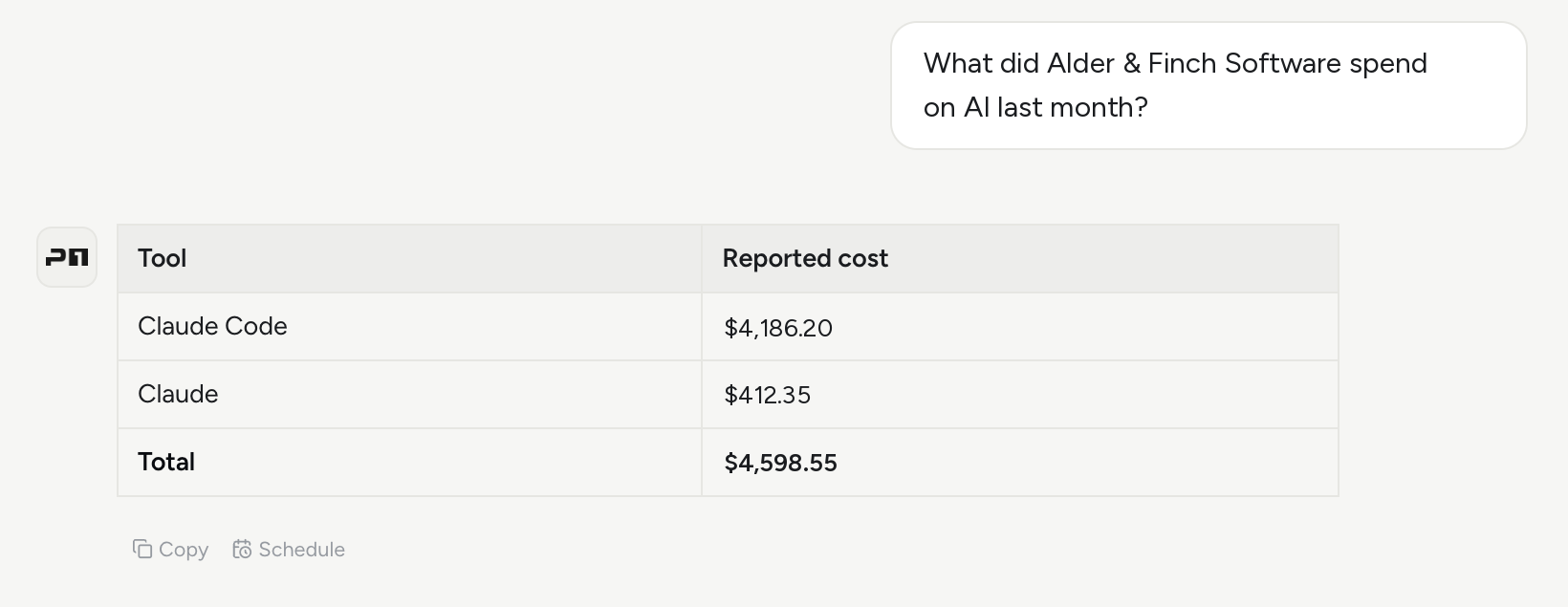
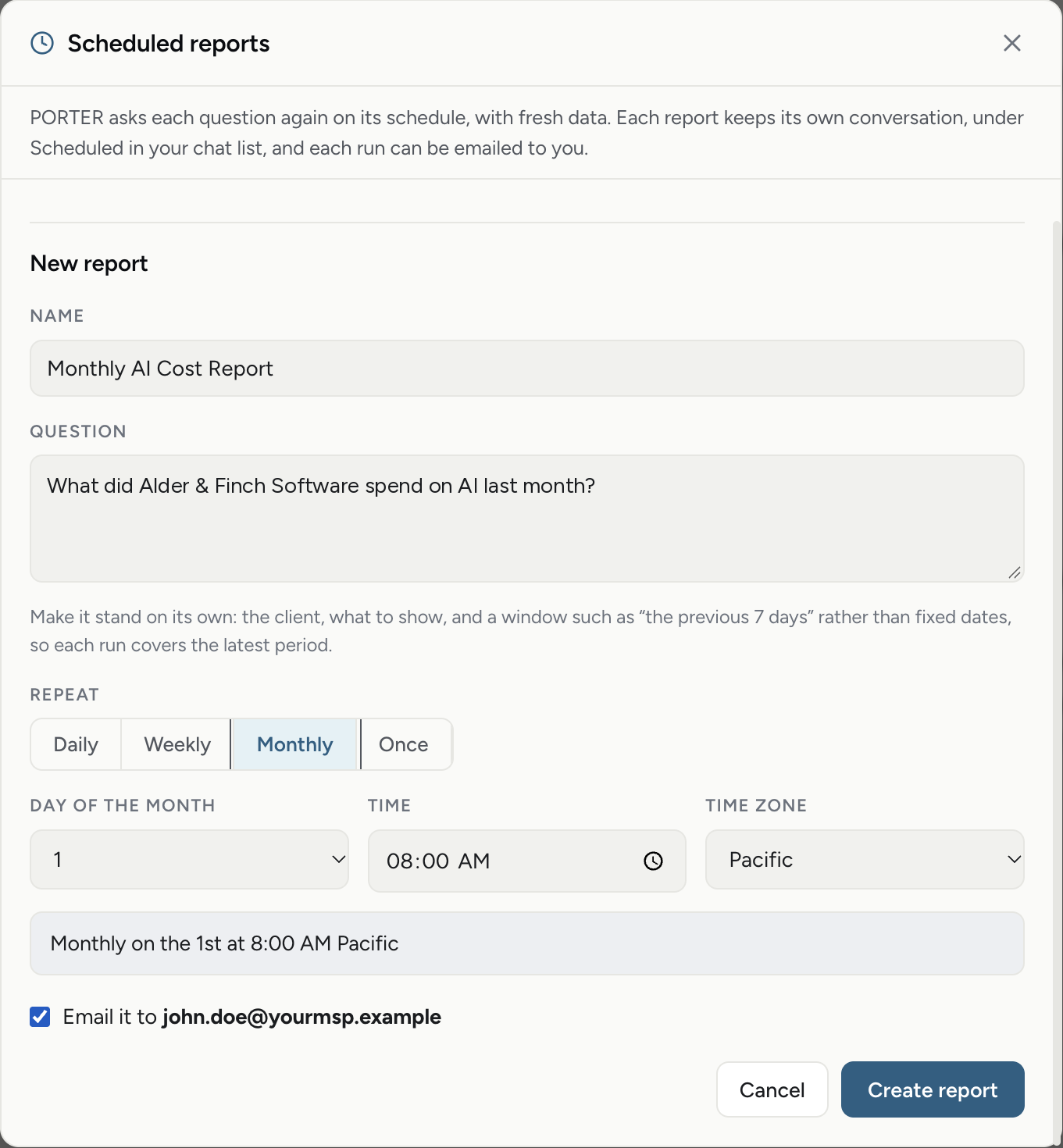
PORTER Chat can also answer questions about a client's actual AI use and spend, such as which tools and models are used and what they cost over time. Any answer can become a scheduled report, run daily, weekly or monthly with fresh data and emailed to your team, ready to send to the client.
Support for your clients' QBRs
PORTER can support your quarterly business reviews (QBRs) with relevant AI findings for each client, run on a schedule or over a period you pick, ready to bring into the QBR. Ask your Partner Success Manager to set it up for your team.
Guides and videos for every step
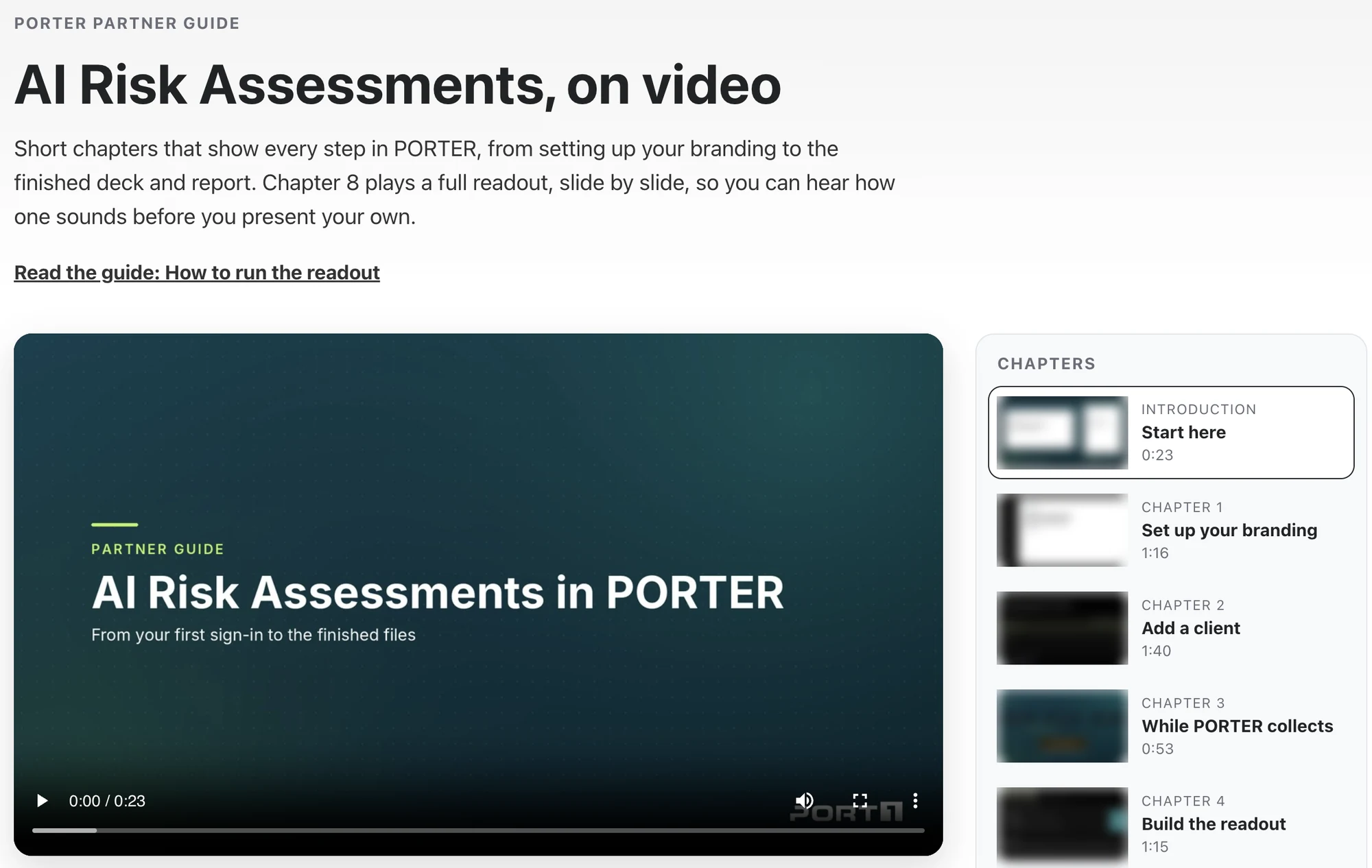
PORTER includes step-by-step guides for deploying Traceforce through the most popular RMMs and MDMs, including NinjaOne, Datto RMM, ConnectWise, N-able, Atera, Action1, Syncro, Microsoft Intune and Jamf, and for running a readout meeting. Readout Videos show every step of an AI Risk Assessment in PORTER, plus a full readout played slide by slide, so you can hear one before you present your own.
Does PORTER help with Island, Liminal and CheckRed?
Yes. PORTER Chat answers questions about Island, Liminal and CheckRed too, so your team gets the same 24x7 help across every solution PORT1 brings you.
Island for MSPs
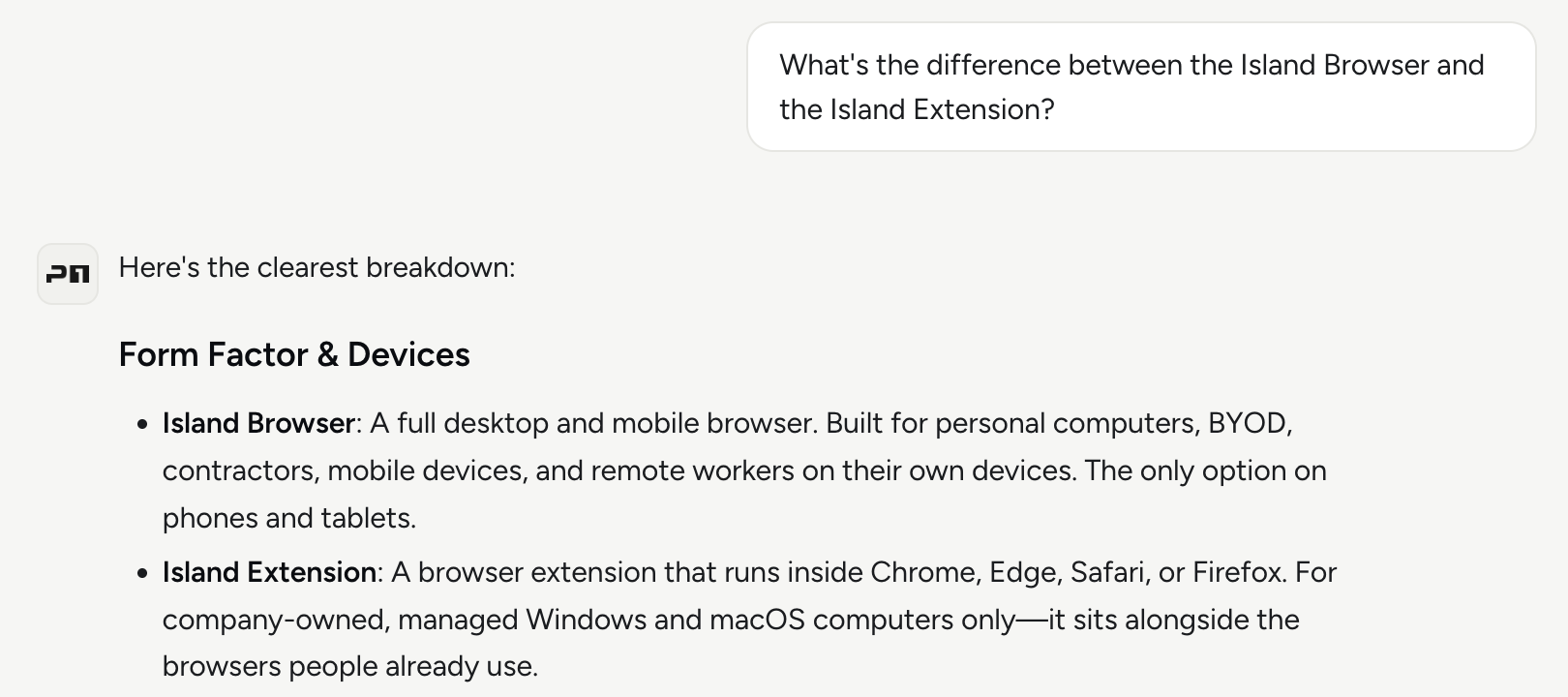
Island for MSPs protects work in the browser, with the Island Extension on the computers you manage and Island Browser for personal, BYOD and unmanaged devices. PORTER Chat answers your team's Island questions, like how Island Browser and Island Extension differ.
Liminal
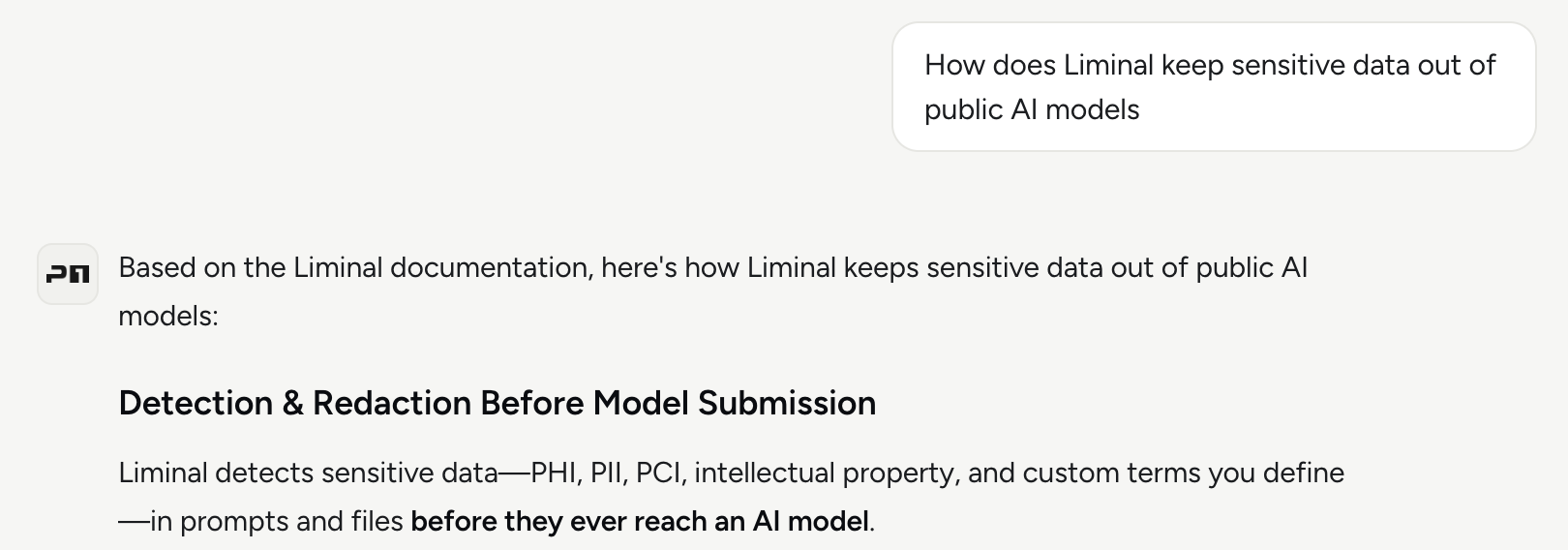
Liminal is a Secure AI Workspace that keeps sensitive data out of public AI models. PORTER Chat answers your team's Liminal questions, like how Liminal keeps sensitive data out of AI models.
CheckRed for MSPs
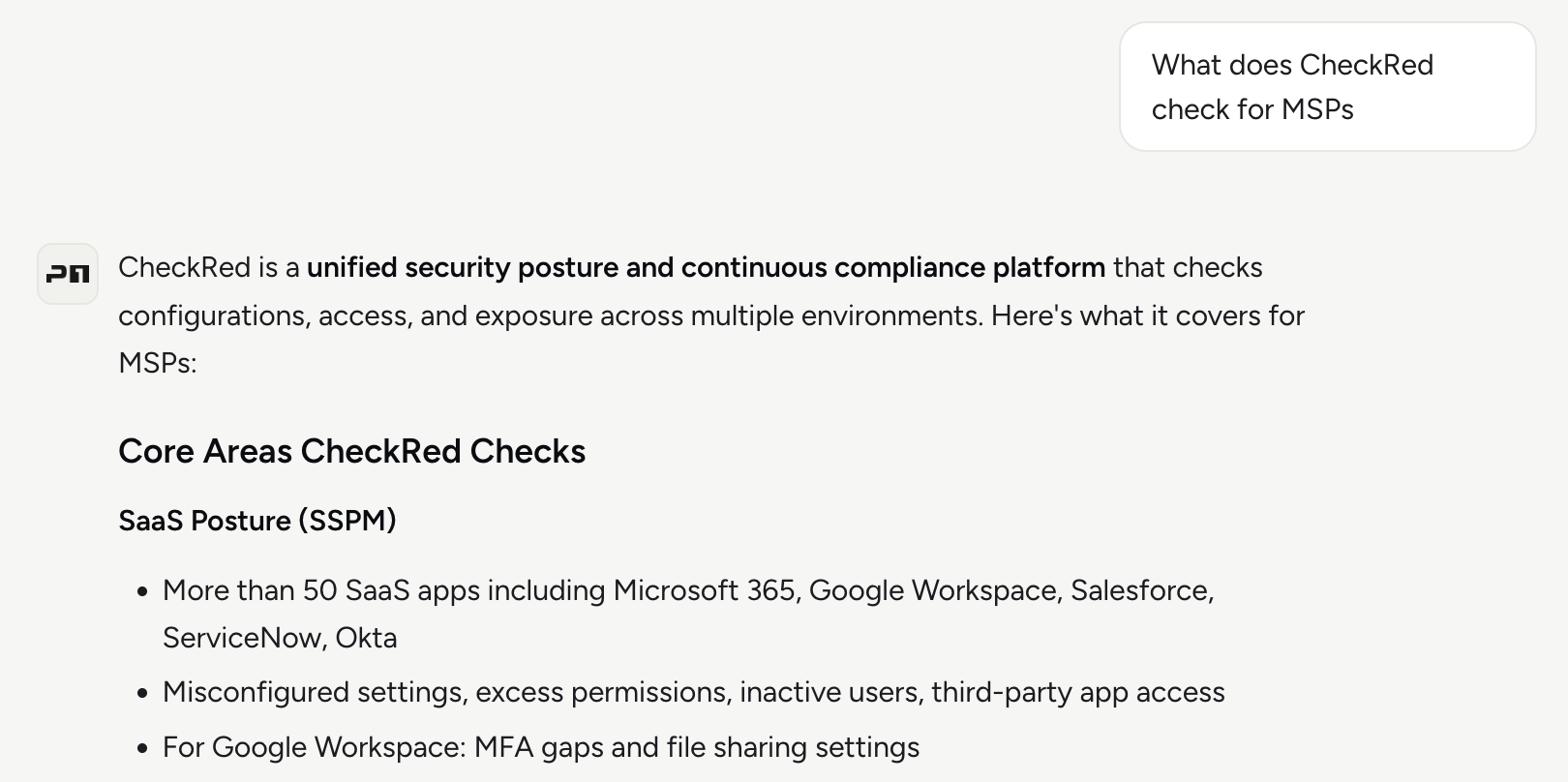
CheckRed checks each client's SaaS, cloud, identity and DNS settings from one multi-tenant platform. PORTER Chat answers your team's CheckRed questions, like what CheckRed checks for MSPs.
How do MSPs get PORTER?
Every PORT1 partner gets PORTER, whichever solutions they carry, and access starts automatically once you sign PORT1's partner agreement. The partner agreement is free with no commitment, PORT1 charges partners no fees for its work, and you can add as many PORTER users as you like at no cost. Your whole team shares the same branding and client pages. The partner program covers how working with PORT1 works.
How does PORTER handle client data?
PORTER only reads a client's Traceforce data. The API keys partners give PORTER are encrypted, and the encryption key is kept in Azure Key Vault. PORTER doesn't use any of it to train AI models.
What help comes with PORTER?
Along with PORTER, every partner has a Partner Success Manager and the PORT1 support team. Your Partner Success Manager can join a readout meeting with you, help with your first couple of readouts and help with a demo for a client that has its own IT team, and PORT1 takes care of anything that needs Traceforce.
How do partners shape PORTER?
PORTER is designed by PORT1's partners and delivered by PORT1, so partner requests shape what comes next. When a partner reports something to improve, the fix reaches every partner after them.
How do partners sign in to PORTER?
Partners sign in to PORTER with the Partner sign-in link at the top of every page, or the one below.
How do I get PORTER for my team?
Partner with PORT1. Partnering is free, and PORTER comes with it for everyone on your team.